Sentry
A menu bar application firewall for macOS: see every connection your apps make, and allow or block them with flexible rules.

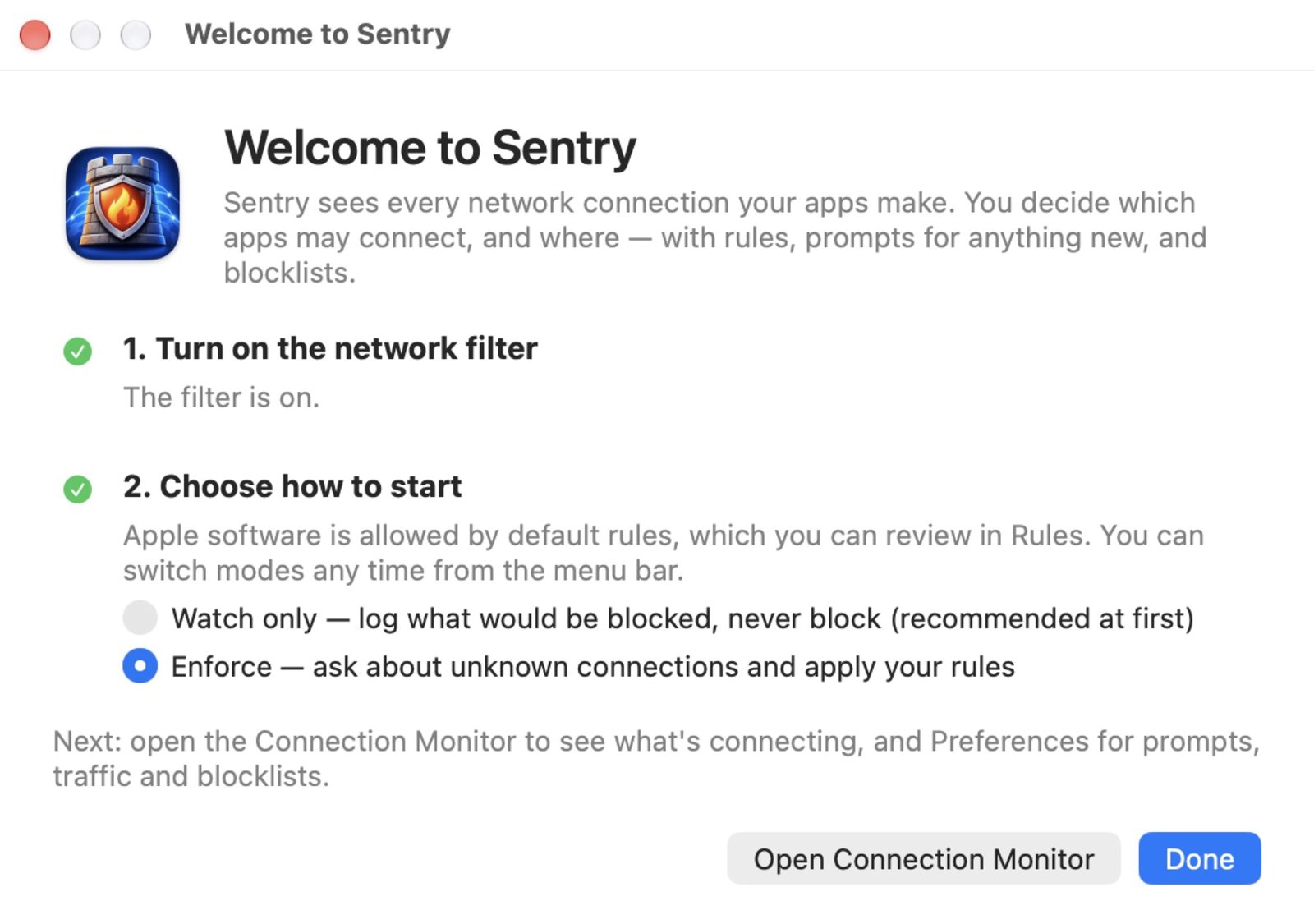
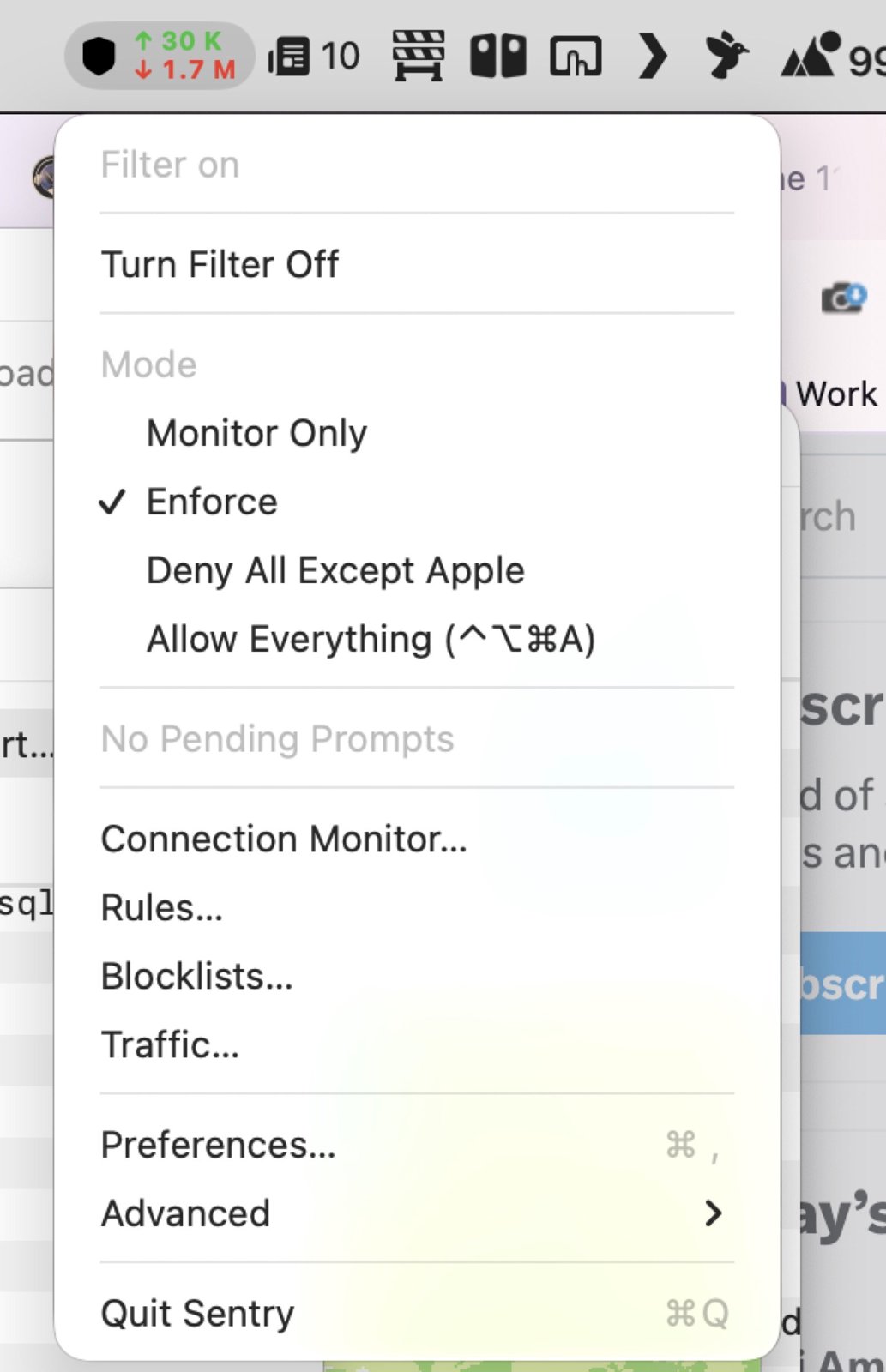
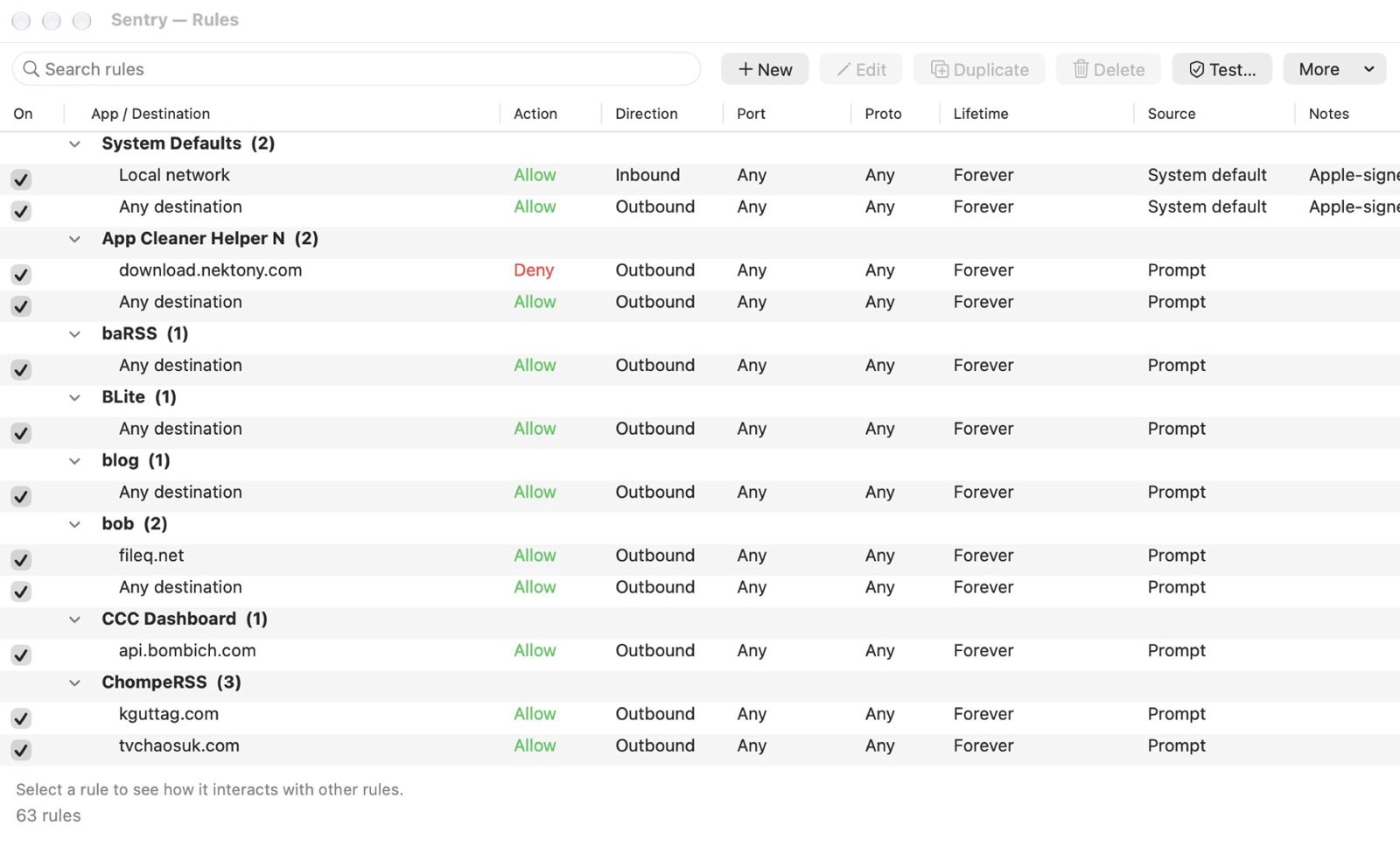
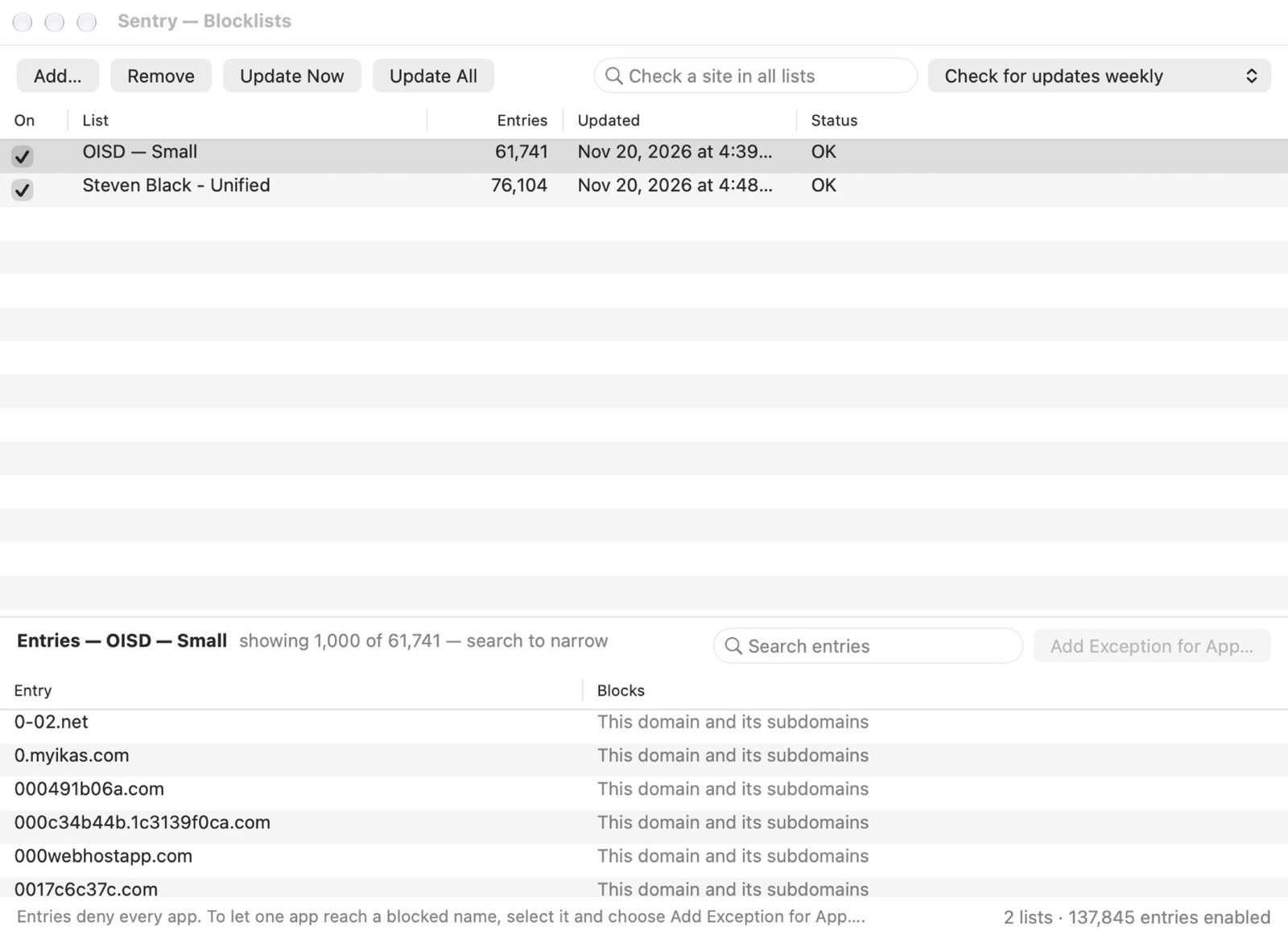
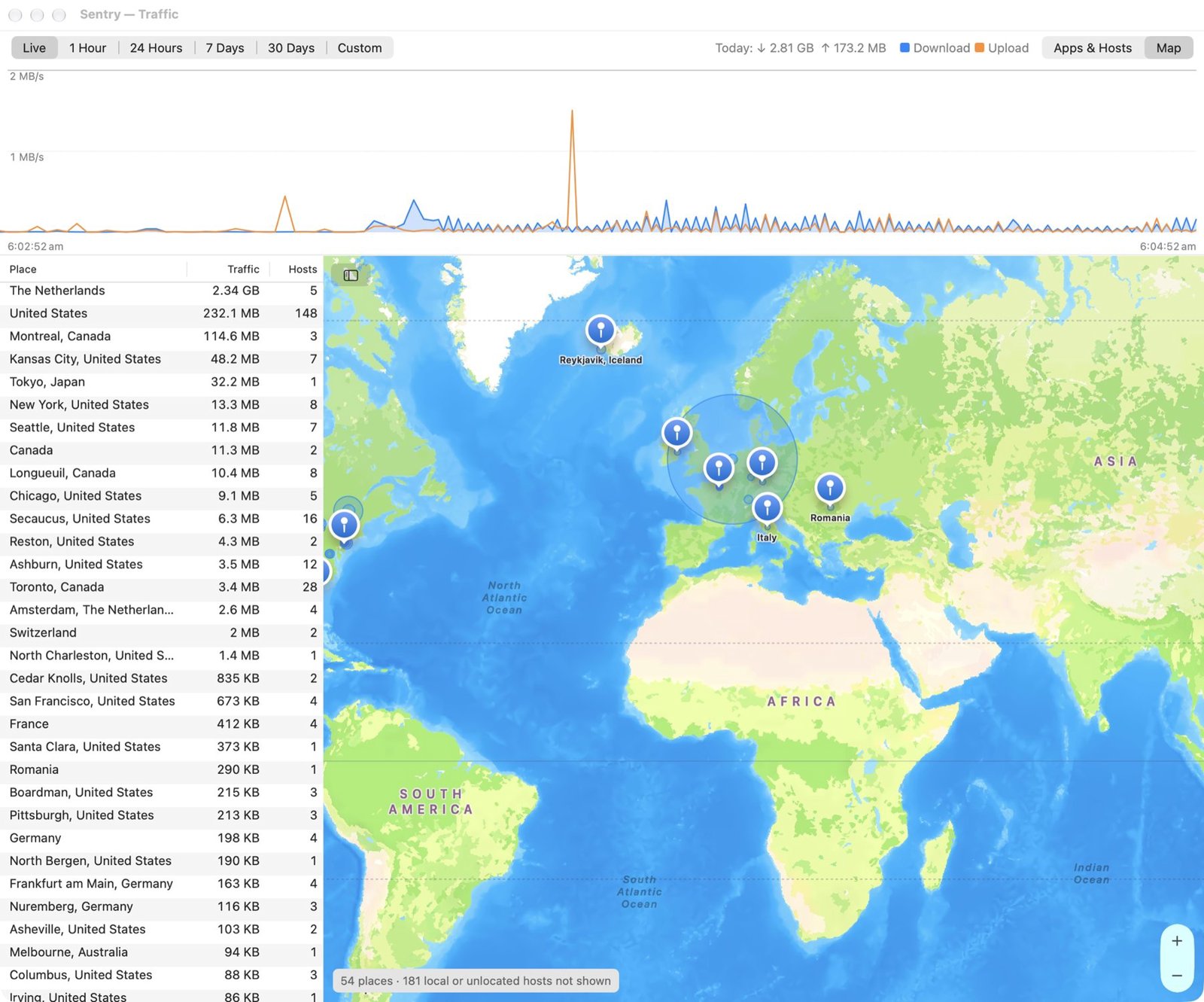
Sentry is a per-app firewall for macOS 15 and later. A Network Extension watches outbound and inbound connections, and when an unknown app connects, a prompt lets you allow or deny it. Apple's own software is allowed by default through editable system rules, so you can start in watch-only mode and tighten up at your own pace.
See every connection
The connection monitor lists everything live: the app, the host, the port, the verdict and the rule that decided it. Hostnames are recovered by watching DNS, so you read names rather than bare addresses.
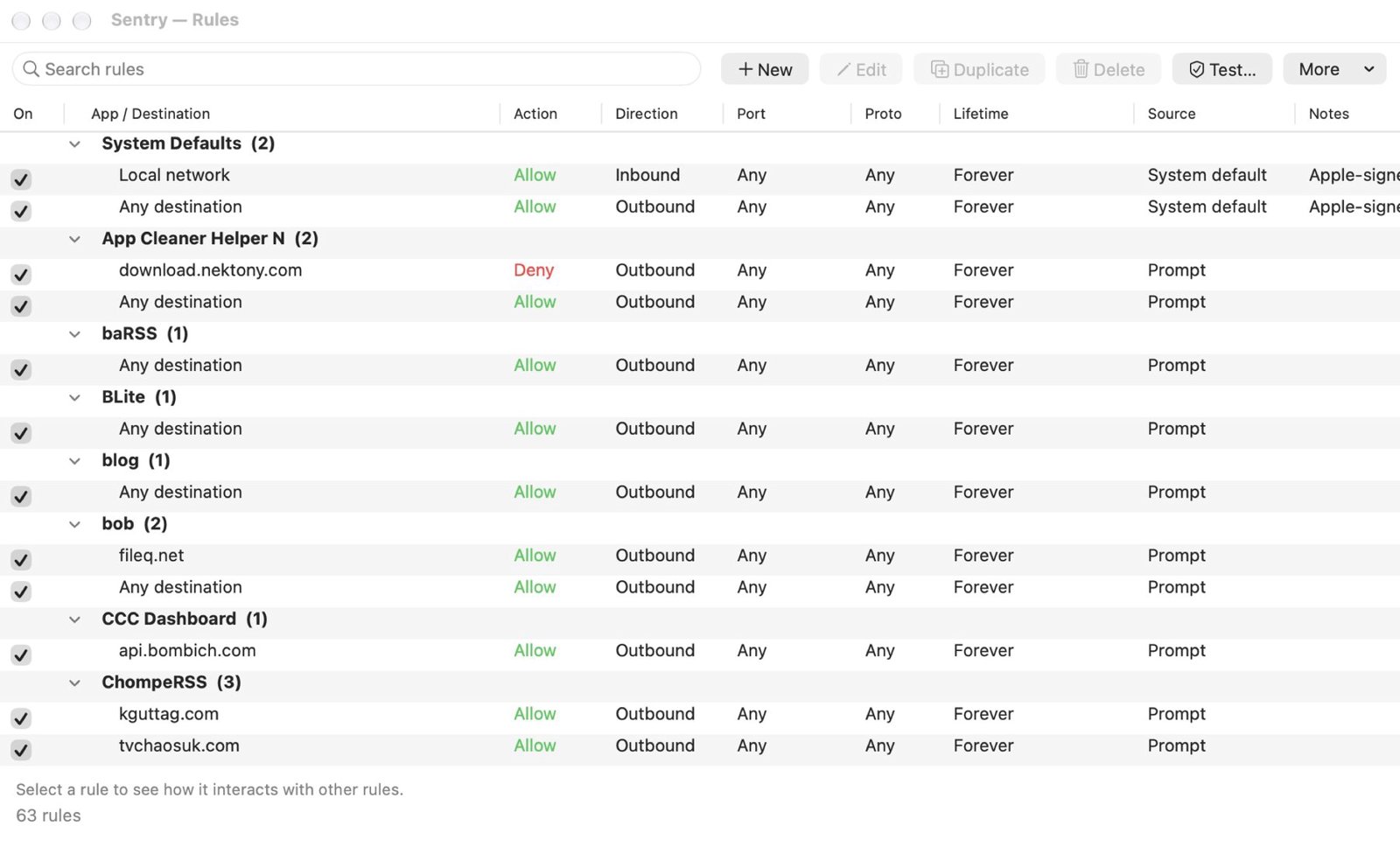
Rules that mean what they say
"Deny this, then allow everything" means allow everything except that: the most specific rule wins, and a deny wins a tie. Target an app, a hostname, a domain with its subdomains, an IP address or range, a port, a protocol and a direction, with lifetimes from once to forever. The editor warns about conflicts before you save, and a test tool shows which rule would apply to a connection and why.
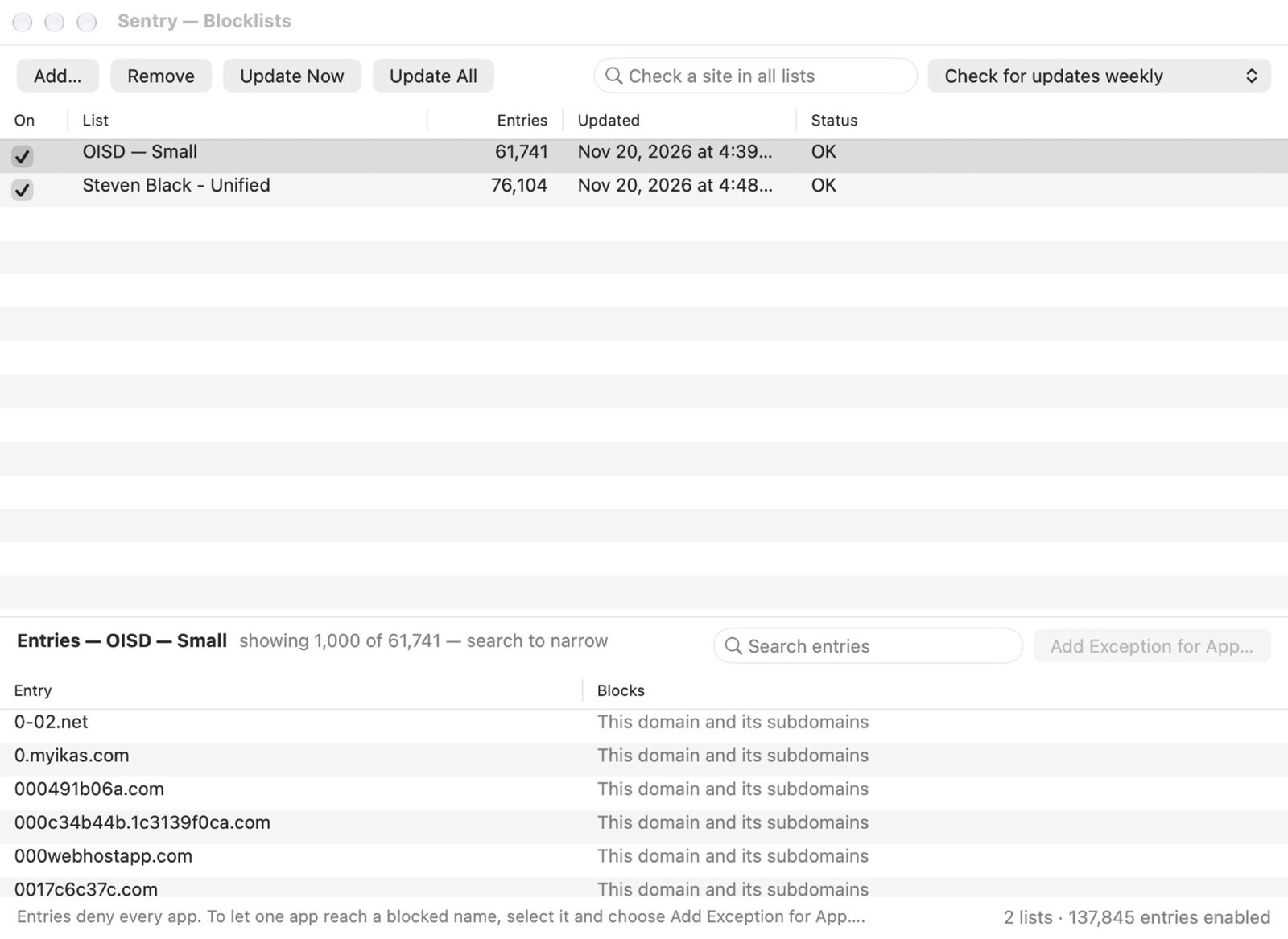
Blocklists that keep themselves current
Subscribe to blocklists that update on a schedule, and add an exception for one app when a list blocks something you need.
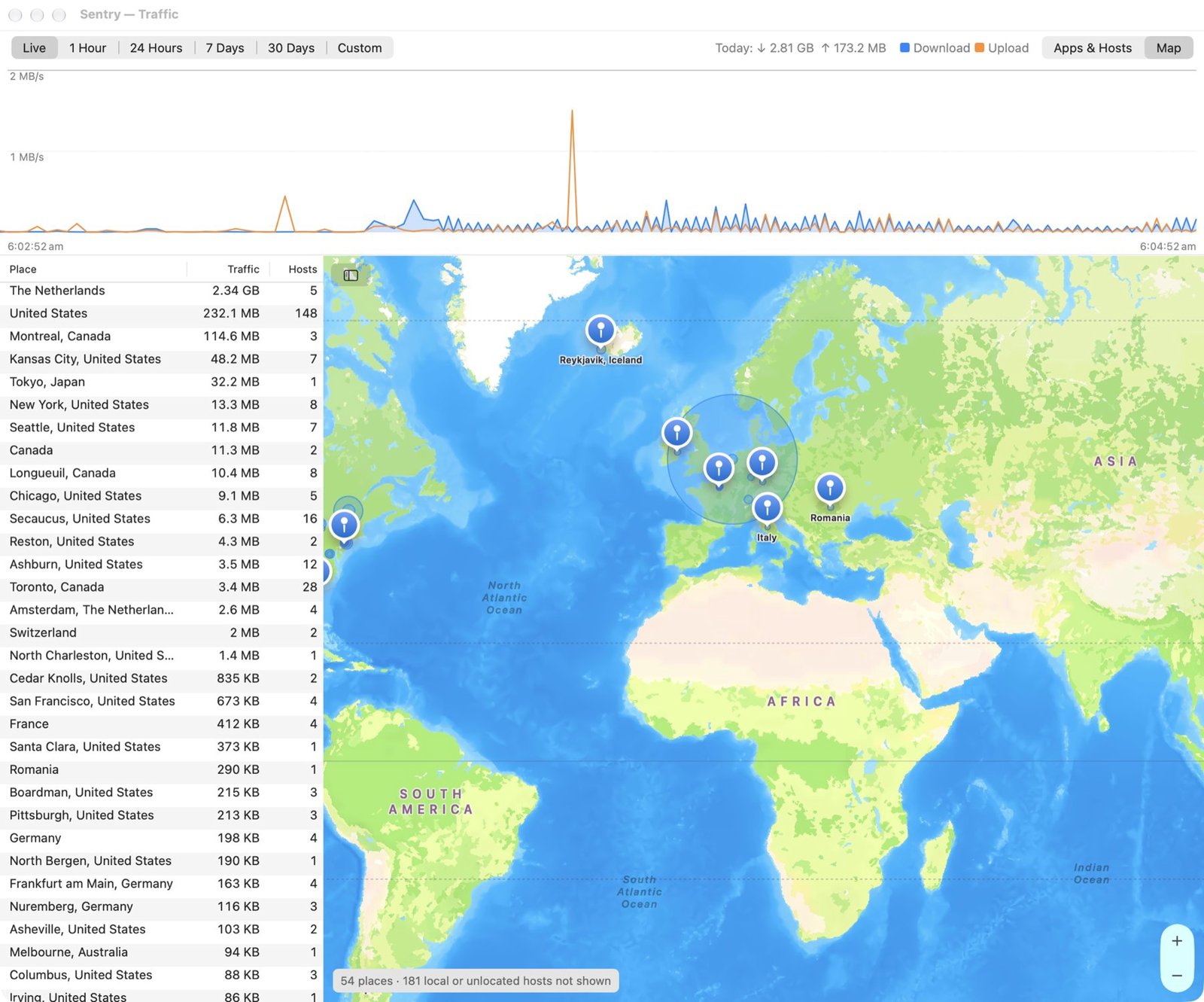
See where your data goes
The traffic window charts live and historical usage by app and host, and a map shows the places your data travels to.
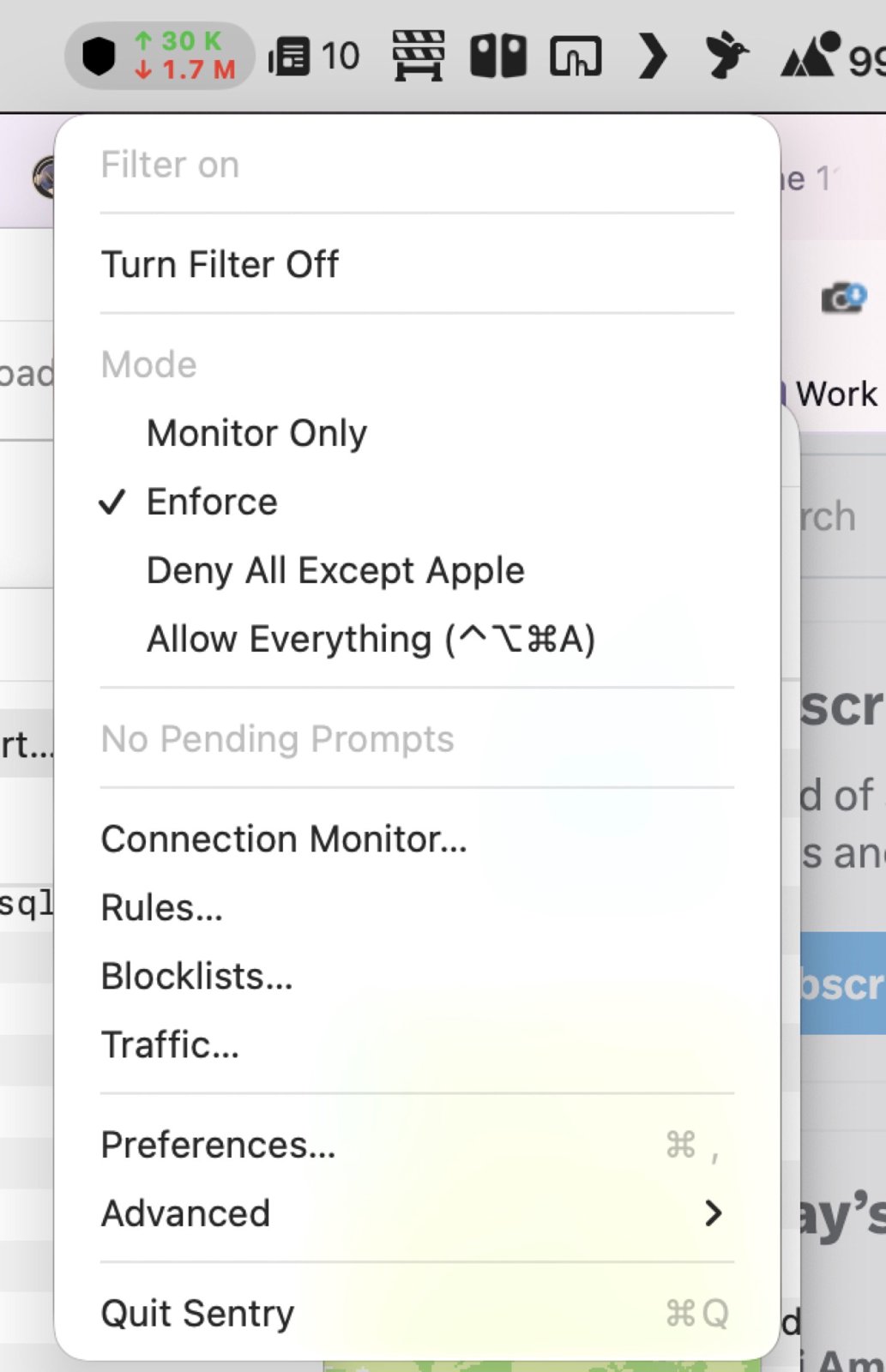
A mode for every moment
Switch between monitor-only, enforce, deny-all-except-Apple and allow-everything from the menu bar. A global hotkey allows everything in an emergency.
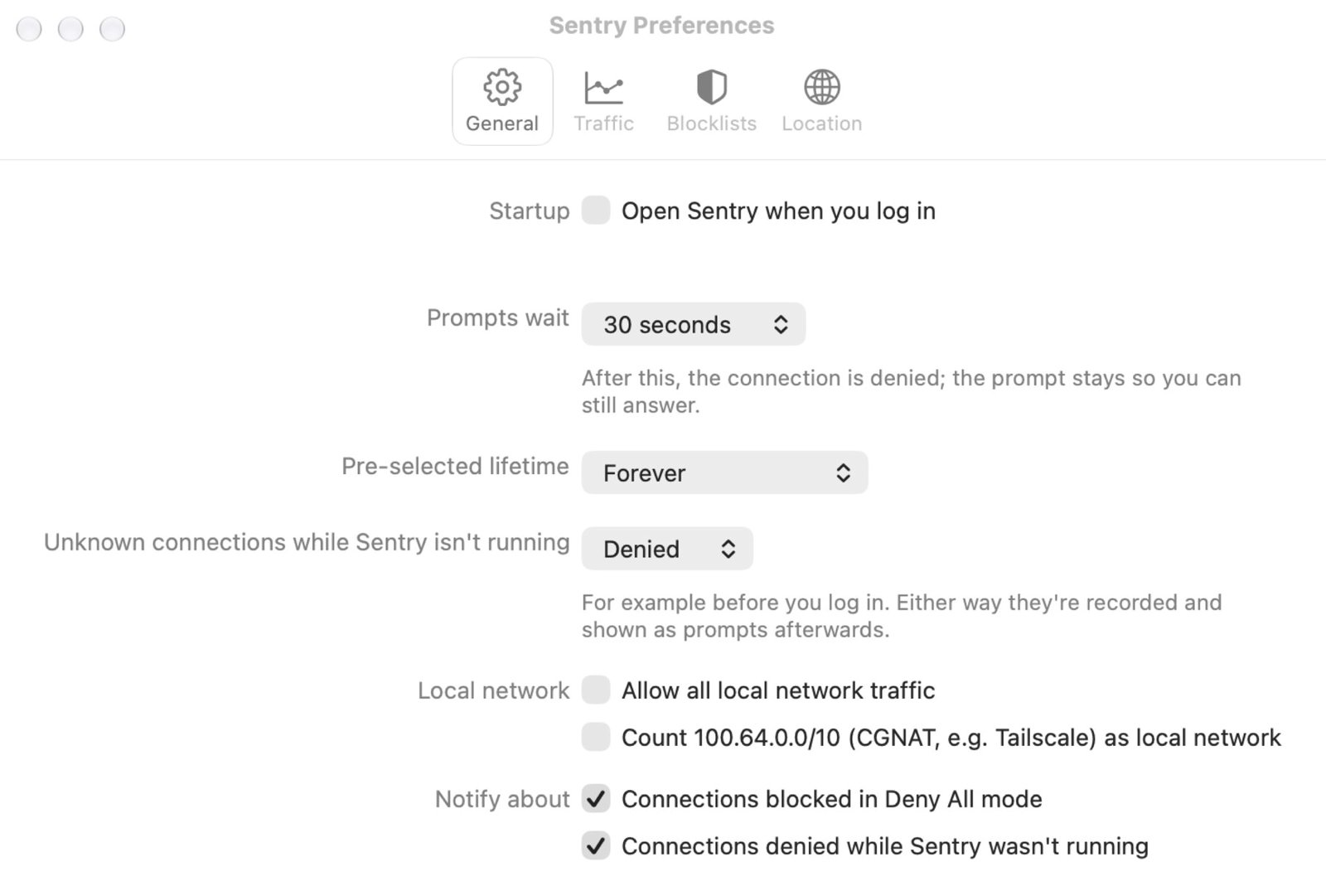
Tuned to how you work
Choose how long prompts wait, which lifetime is pre-selected, how local-network traffic is treated, and what you are notified about.
Prompts for the unknown
When a new app connects, you decide, right then.
Apple software allowed by default
Editable system rules keep macOS itself working.
Logs
A searchable log you can pause, copy and export.
Built on a Network Extension
No kernel extension, and it needs macOS 15 or later.
Reviews
Add a reviewNo reviews yet. Be the first to write one.